WhatsApp inside Kommo
Sell faster with less busy-work: more deals, full oversight. Your sales team talks to customers on WhatsApp straight from Kommo.
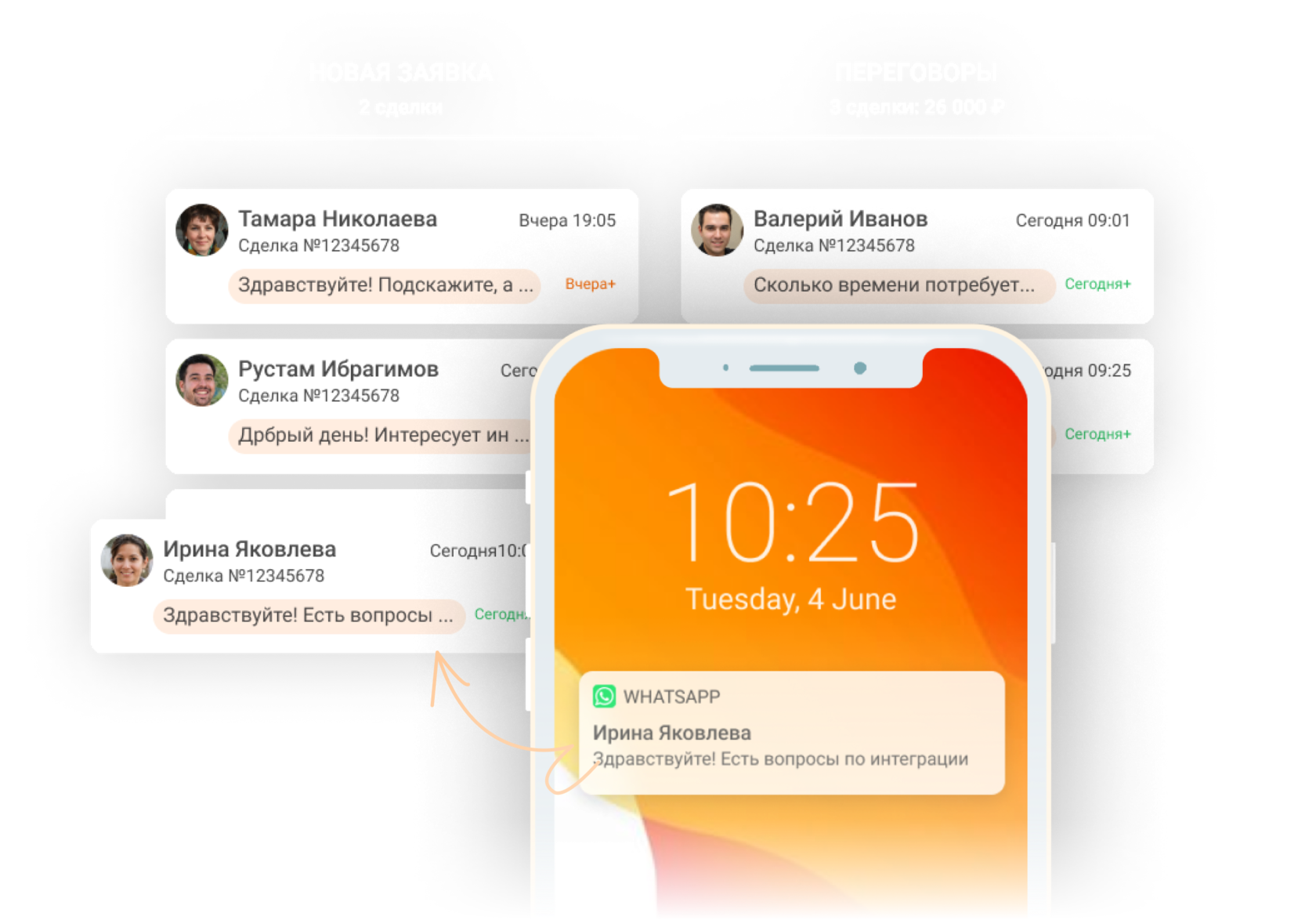
What Kommo + WhatsApp gives you
Sales automation with chatbots
Salesbot and Digital pipelines automate the routine: notifications, surveys, promos, stage changes, tasks. Reps get freed from manual work and thank you for it.
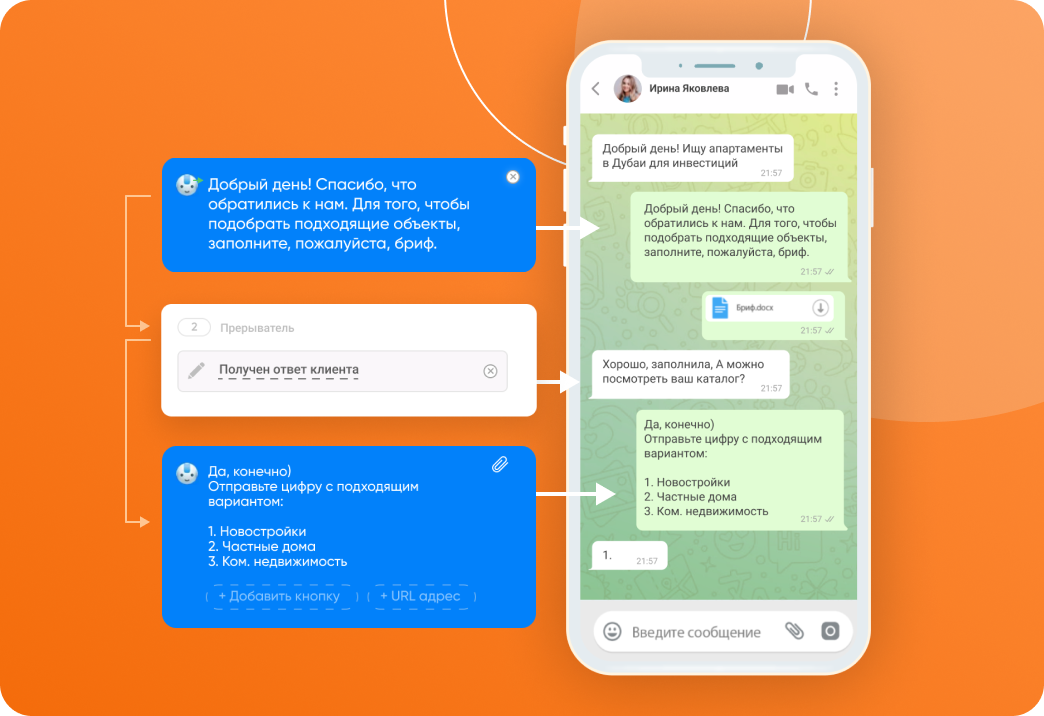
Save the contact in one click
No manual entry needed. Send a business card straight from Kommo — it gets saved to the client's phone automatically. Easier first touch, lower ban risk.
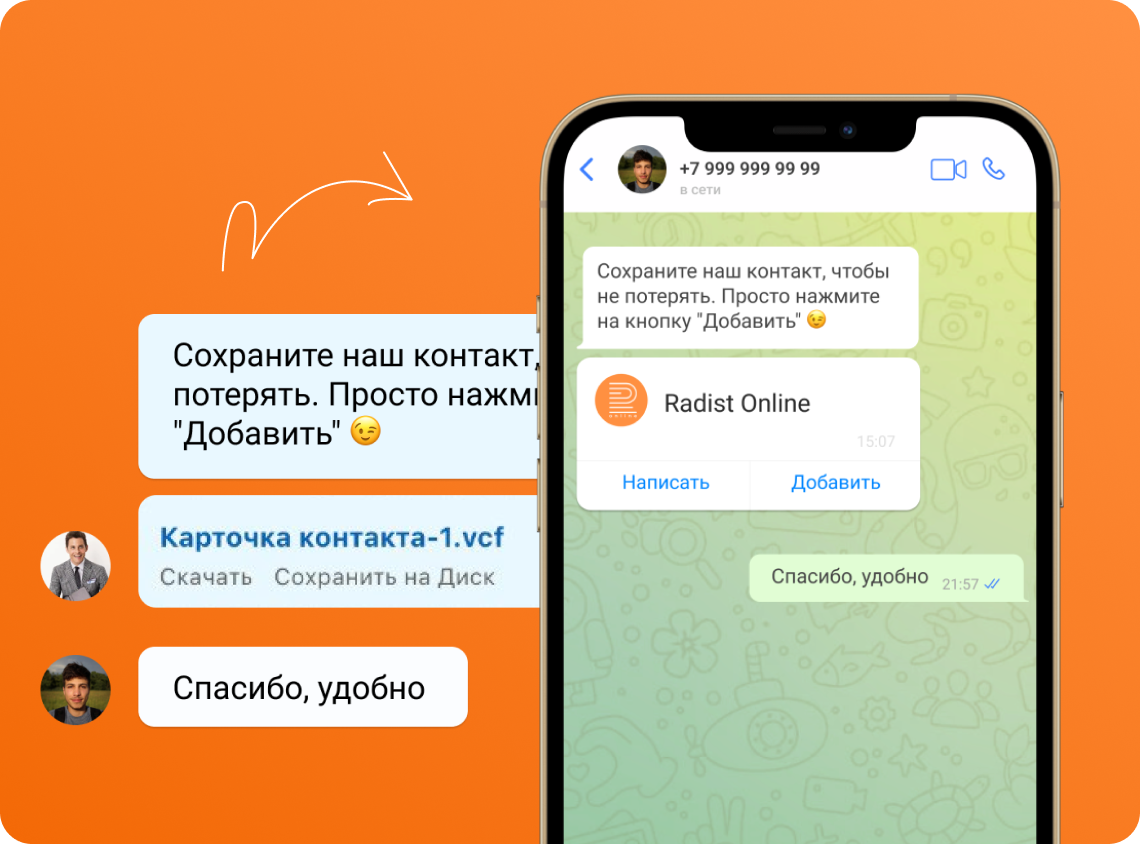
Check if the number has WhatsApp
Don't shoot into the void. The integration checks whether the number has WhatsApp and branches the scenario: send SMS, create a task for a rep, or move on.
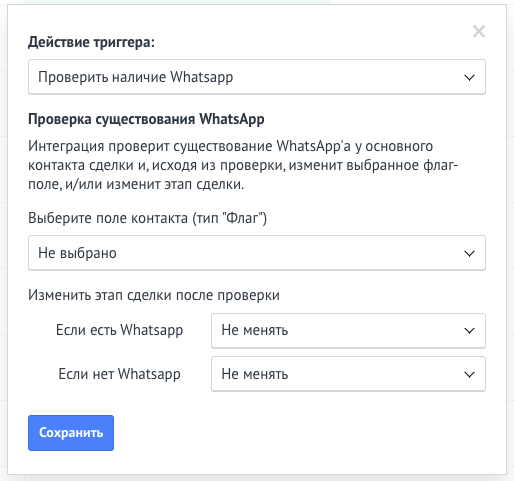
WhatsApp broadcasts — fast and safe
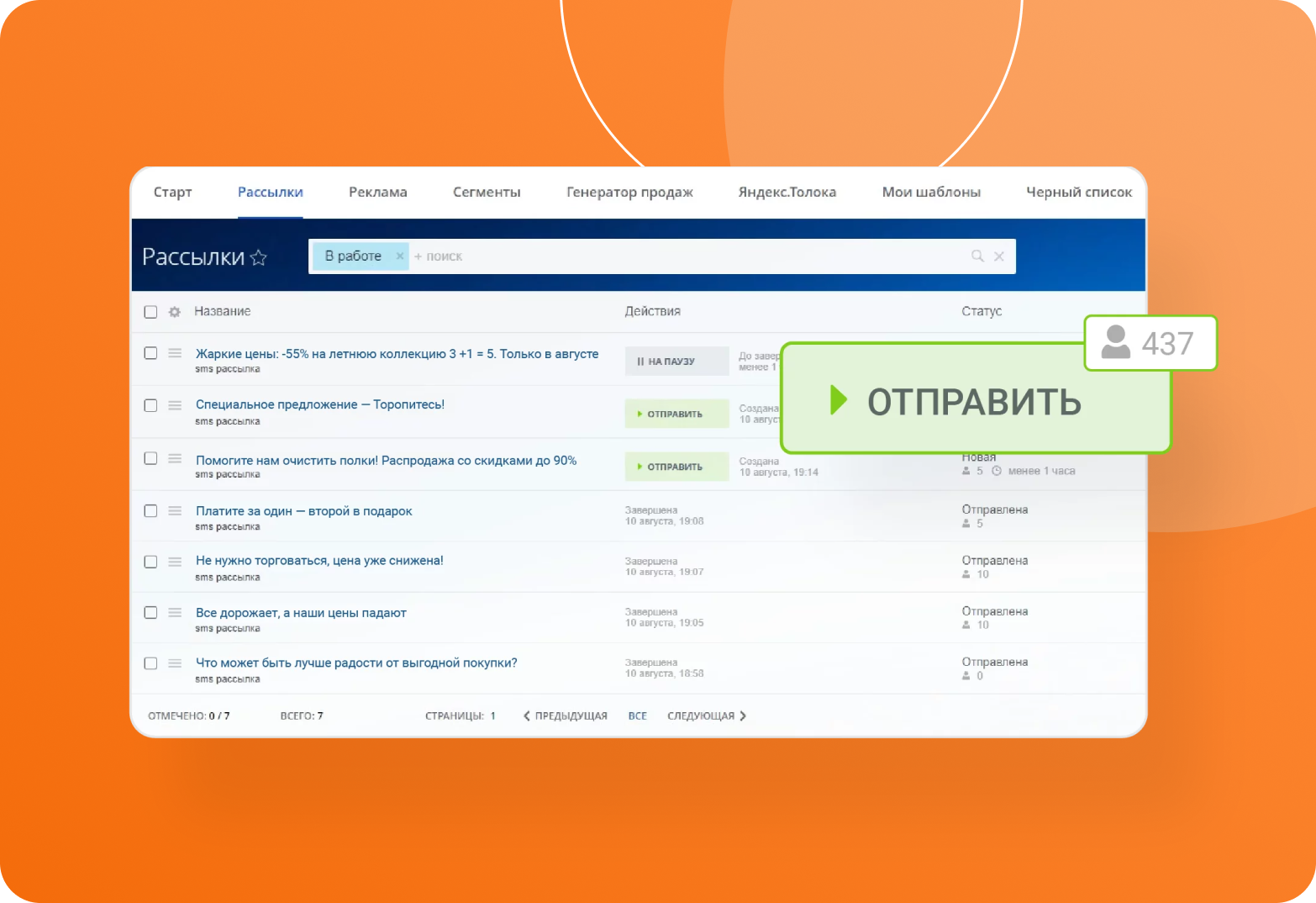
Segment your base and launch automated broadcasts from the Marketing section.
For mass broadcasts use the official WhatsApp Business API to avoid bans.
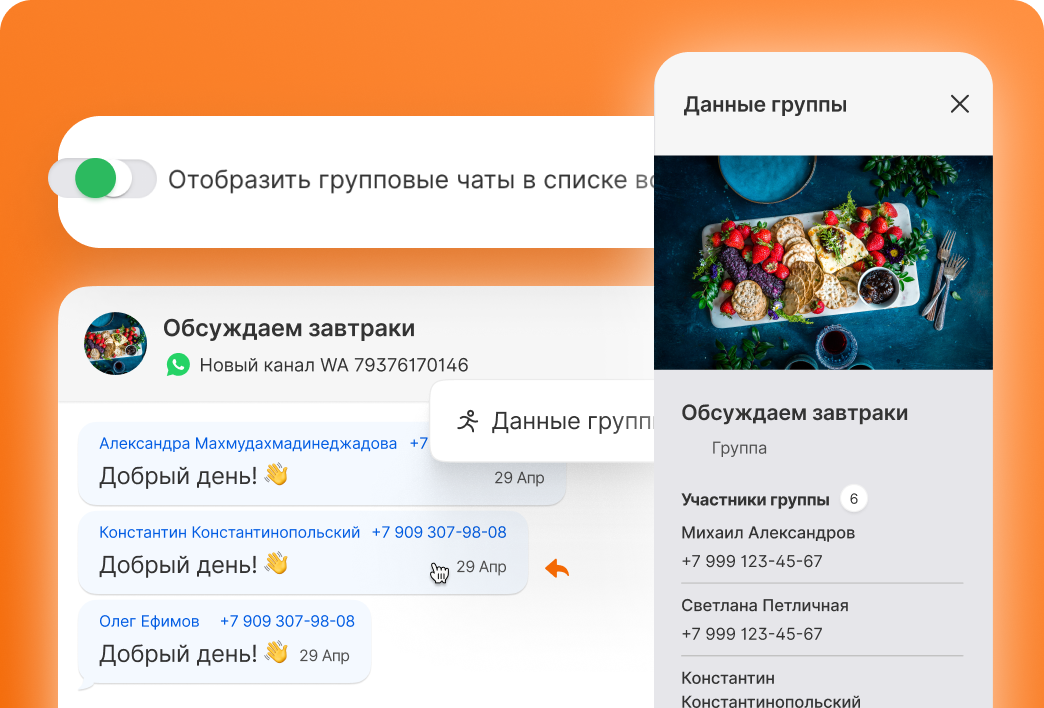
Group chats — without losing structure
Talk to clients in WhatsApp group chats via Open Channels. The system shows who wrote what — the dialog stays clear and manageable.
Sales-team oversight in one window
Team leads see how reps talk to customers. Transparency of process and access to conversation history increase accountability and remove blind spots.
Write clients first in WhatsApp
Kommo out of the box doesn't let you start conversations — only reply. Our integration lets you initiate a dialog yourself, from any connected number.
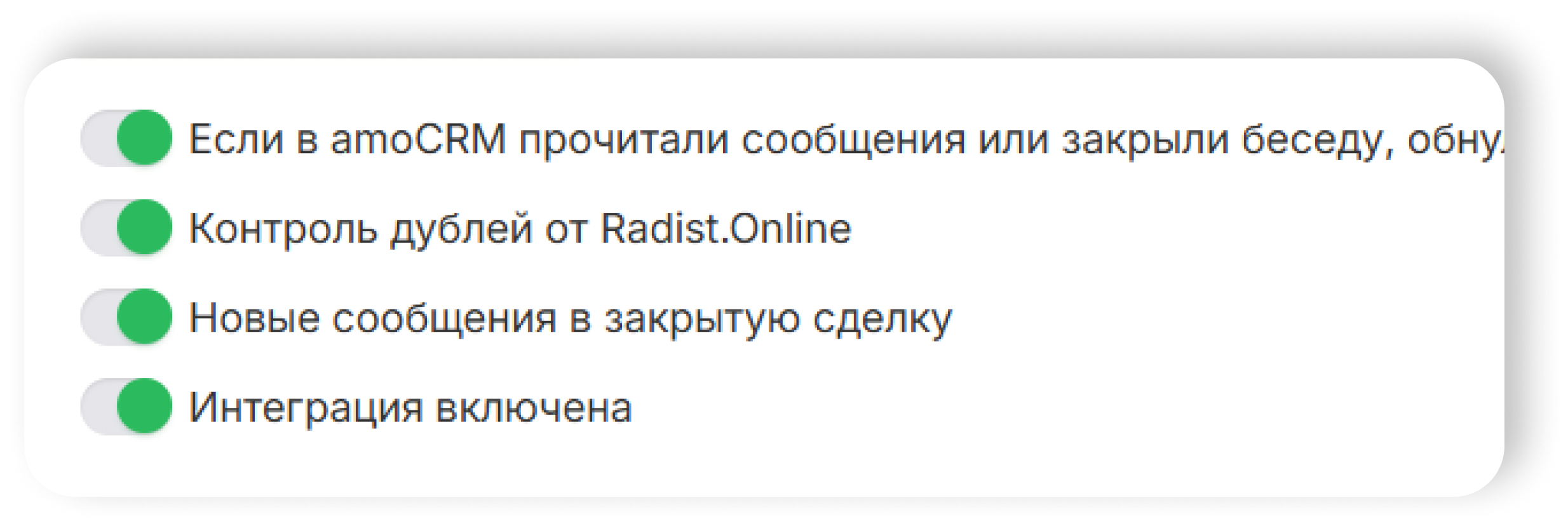
Duplicate control
Forget manual deal-checking. The system detects duplicates automatically and only reacts on the channels you choose. Continue in the closed deal or spawn a new one — toggle it in the UI.
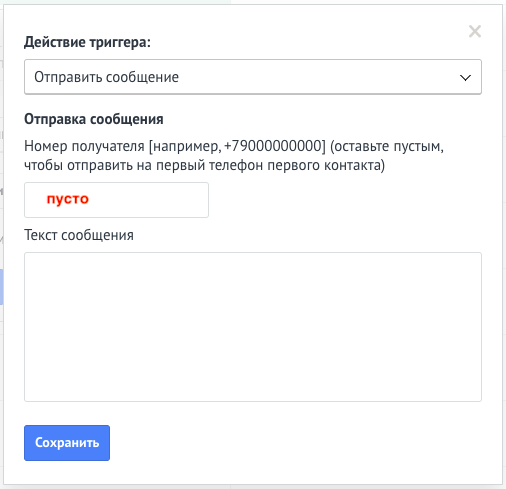
Free messages to partners outside Kommo
Adding every partner to CRM is expensive. Send a WhatsApp business card (template with details) automatically when a deal reaches the right stage — to people who aren't in Kommo.
Block unwanted contacts in one click
Add a user to the blacklist or lift the block in two clicks — no support ticket required. You stay in control.
End-to-end analytics
Every incoming message carries UTM tags and traffic parameters. See straight away where the lead came from and what actually drove the sale.
Chat Window support
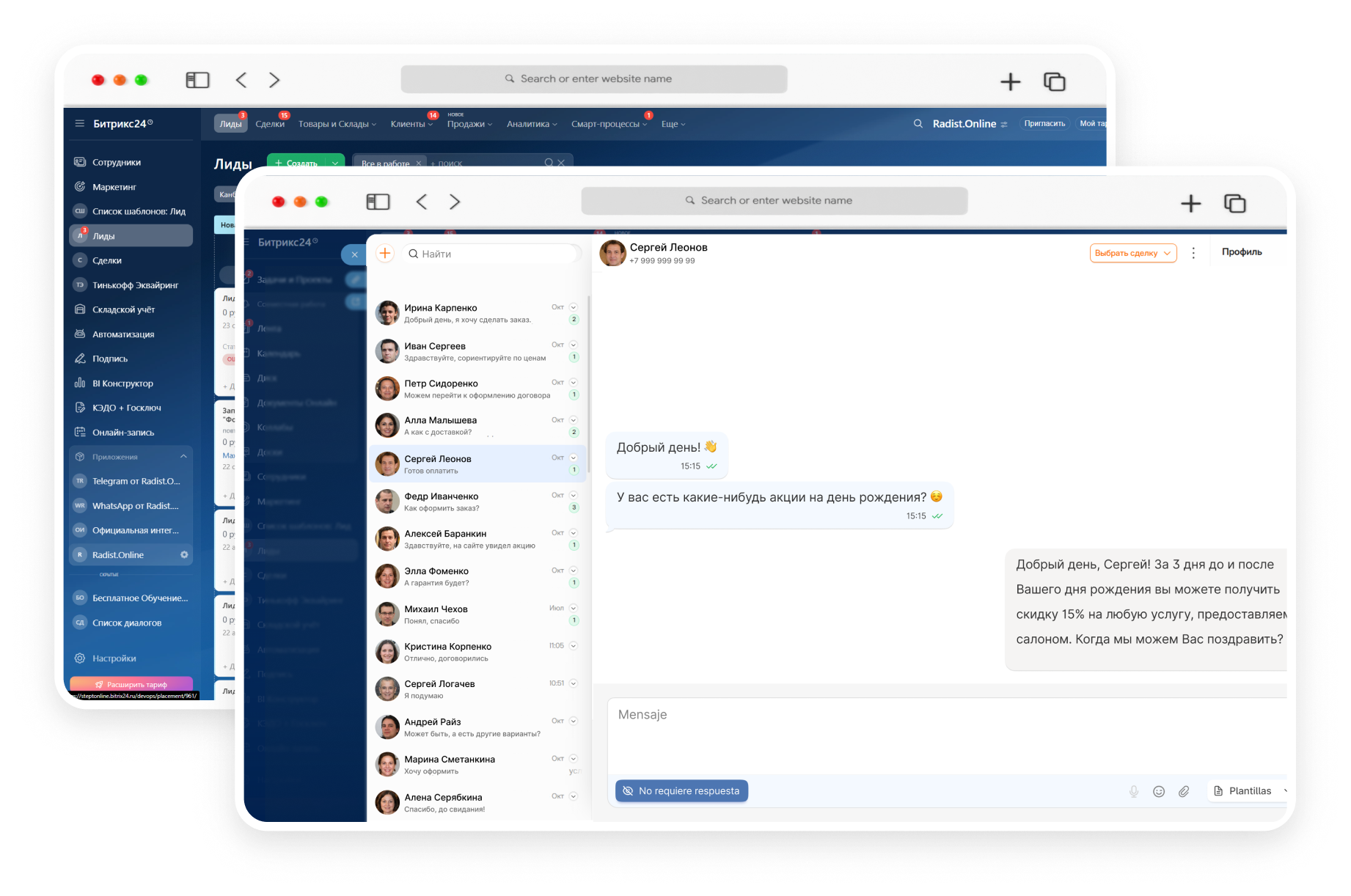
Every message and every customer detail — inside one window. Reply straight from the CRM, no tab-hopping.
The system stores automatically:
Interface feels like a normal messenger: messages, contact profile, media and stickers. Plus a Blacklist to keep focus on the chats that matter.
Full context stays with the deal card — even months later.
Why WhatsApp + Kommo beats plain WhatsApp
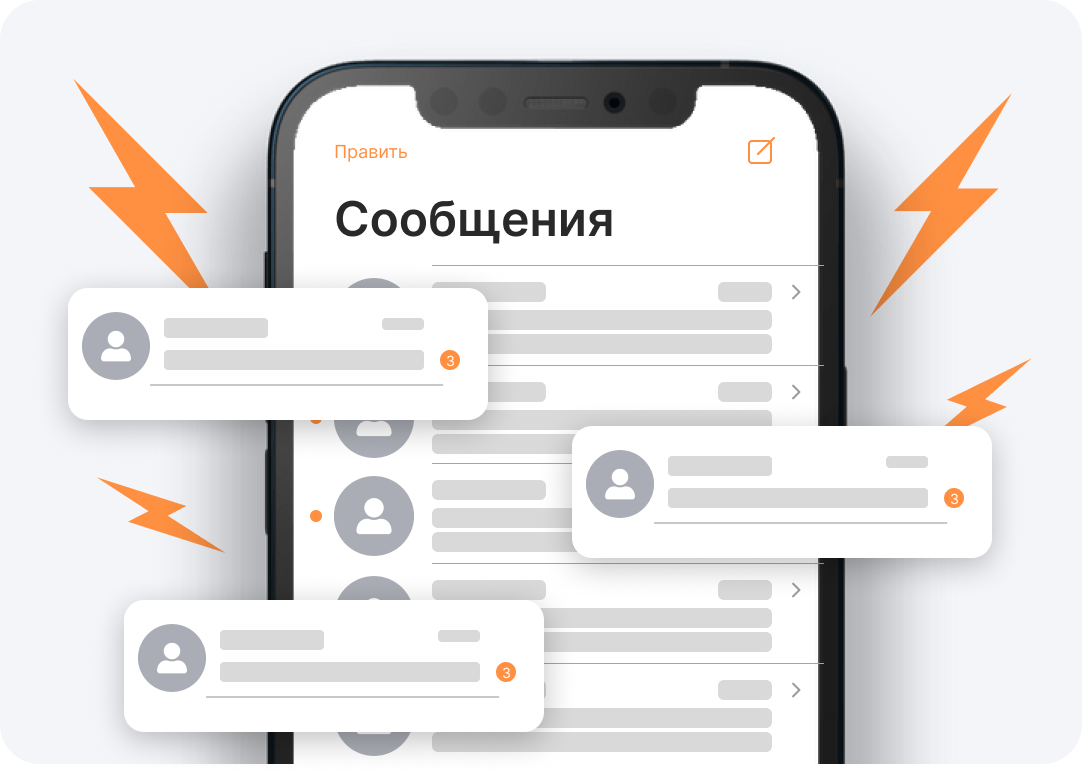
Selling in WhatsApp without a CRM — chaos, risks, lost deals
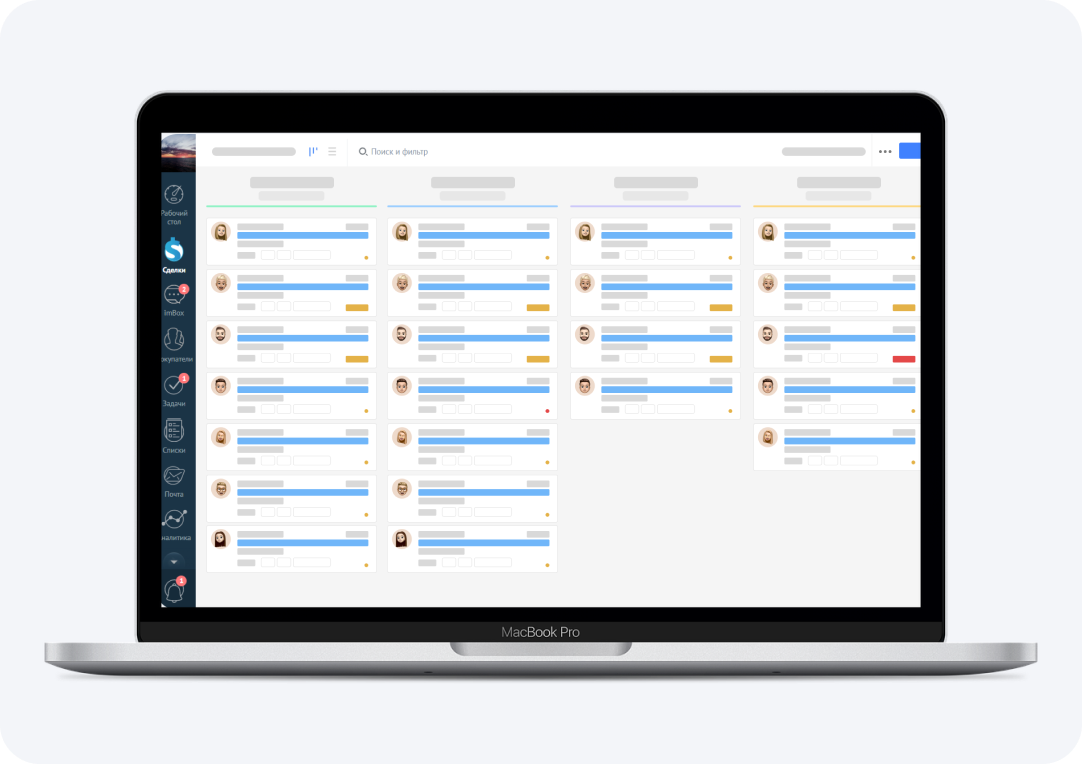
Selling in WhatsApp via Kommo — everything under control
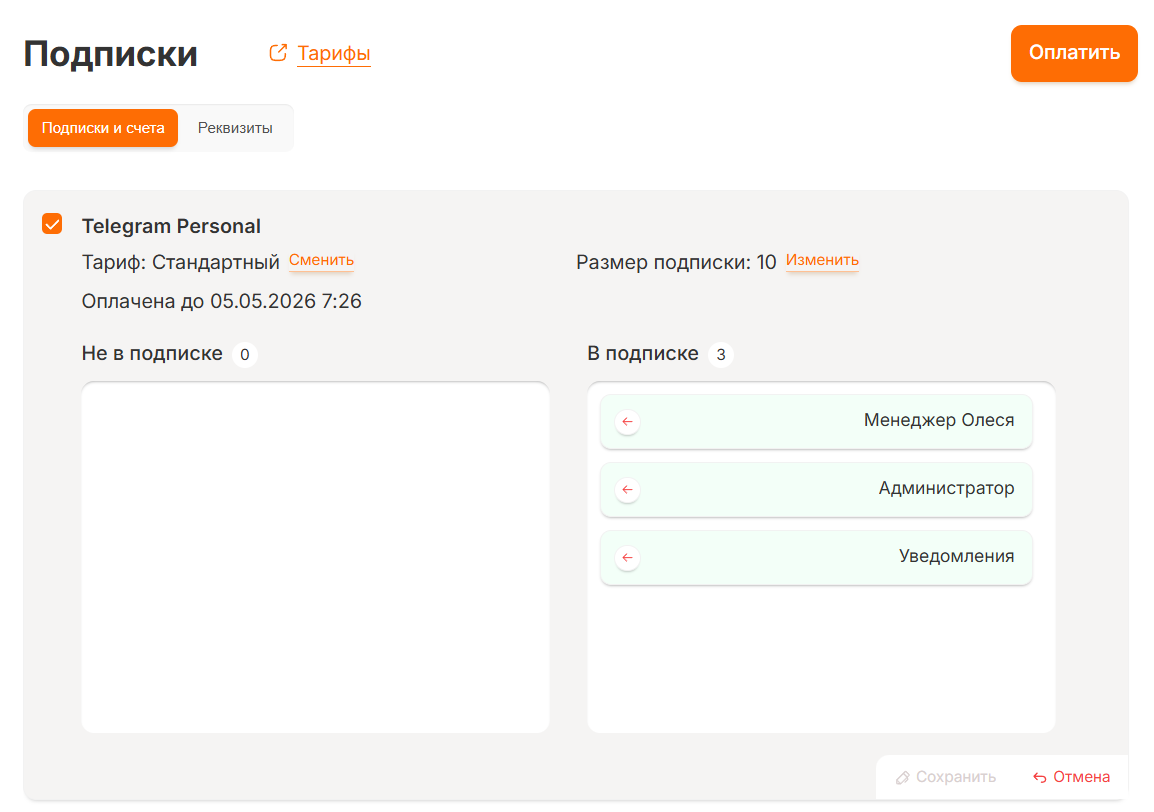
No hidden fees
If a channel gets blocked or you change your mind, your money doesn't disappear. You control the subscription yourself, without losing paid days.
Trusted by teams around the world
Live reviews from the Kommo marketplace — customers rate their integration experience.

Solid product. Support is friendly and gets things done — 10/10.

Integration and message-first were solved fast. Support walked us through setup — clear and simple.
Best integrators! Fast support, stable service. We work only with these folks.
Works flawlessly! Thanks for such a smooth communication channel.
Pricing
Try free for 3 days — no card required. Pick a channel to compare plans.
Starter
- Message clients first
- Unlimited incoming dialogs
- Outgoing dialogs: 50 / mo
- Yandex.Metrica
- Voice messages
- End-to-end analytics
- Broadcasts — WhatsApp, WABA, Telegram
- Blacklists
- Volume discounts up to 50%
- Group chats
Standard
We rolled every top feature into one plan.
Now "Standard" is the maximum.
- Message clients first
- Unlimited incoming dialogs
- Unlimited outgoing dialogs
- Broadcasts — WhatsApp, WABA, Telegram
- Blacklists
- Volume discounts up to 50%
- Voice messages
- End-to-end analytics
- Group chats
- Yandex.Metrica
Advanced
More capabilities are on the way. Stay tuned.
(Prices in RUB. Payment at the CBR exchange rate on the day of payment.)
WhatsApp Business API (WABA)
Since July 1, 2025 — pay per delivered template message. Since October 1, 2026 the first 1,000 replies inside the 24-hour window are free per number per month.
WABA subscription
The longer the term — the cheaper the month.
- Transparent pay-per-delivered-template billing
- Message clients first
- Run broadcasts without bans
- Documents, images and video
- Broadcast module support in RadistWeb
- Unlimited numbers
WABA cost calculator
How many clients will you message first per month? We'll estimate the cost.
Subscription $60/mo + dialogs (~ $0.11 per initiated dialog). Prices in RUB, charged at the CBR exchange rate on the day of payment; final numbers depend on your case — send us a request for a detailed quote.
Телегомагазин — бесплатно
Подключается к amoCRM, Битрикс24 и RadistWeb
Тариф «Стандартный» — скидки применяются одна за другой
Никаких доплат за функции — все возможности входят в подписку Radist.Online
| Аккаунтов | Цена / мес | Скидка |
|---|---|---|
| 1 | 1 000 ₽ | — |
| 2–4 | 800 ₽ | −20% |
| 5–9 | 700 ₽ | −30% |
| 10–19 | 600 ₽ | −40% |
| 20+ | 500 ₽ | −50% |
На стороне Авито нужен тариф «Максимальный» — только на нем доступен Avito Messenger API.
Plan comparison
FAQ
Ready to try?
3 days free on every product. No credit card required. Setup takes about 15 minutes.
Get 3 days free