How to integrate WhatsApp Business API with a CRM
How to integrate WhatsApp Business API with a CRM: a step-by-step guide to automate sales, leads and customer communication.
In the messenger era customers don’t call — they write. They ask questions, check delivery, confirm details. All of it happens in chat. And if a business doesn’t reply in WhatsApp or Telegram, it simply loses leads. And — money and loyalty.
The solution is to connect the official WhatsApp Business API (WABA) to a CRM. Then all communication, including payments and sales, runs in a single window. Convenient, fast, no losses. In this article we walk through how to do it with Radist.Online.
What WABA is and why to connect it to a CRM
WABA (WhatsApp Business API) is the official channel for talking to customers on WhatsApp. Unlike “grey” solutions, it:
- Runs stably, without ban risk;
- Lets you launch template-based broadcasts;
- Supports a business profile and product catalogue;
- Opens access to the payment system and analytics.
But most importantly — paired with a CRM, WABA turns into a sales tool. Leads from messengers land straight in Kommo or Bitrix24, and reps work with clients in the interface they already know. Fast. Clear. Nothing lost.
Three ways to connect: pick what fits
Businesses have different needs. Some want maximum automation, others want a simple and fast connection without complex setup. That’s why Radist.Online offers three flexible scenarios:
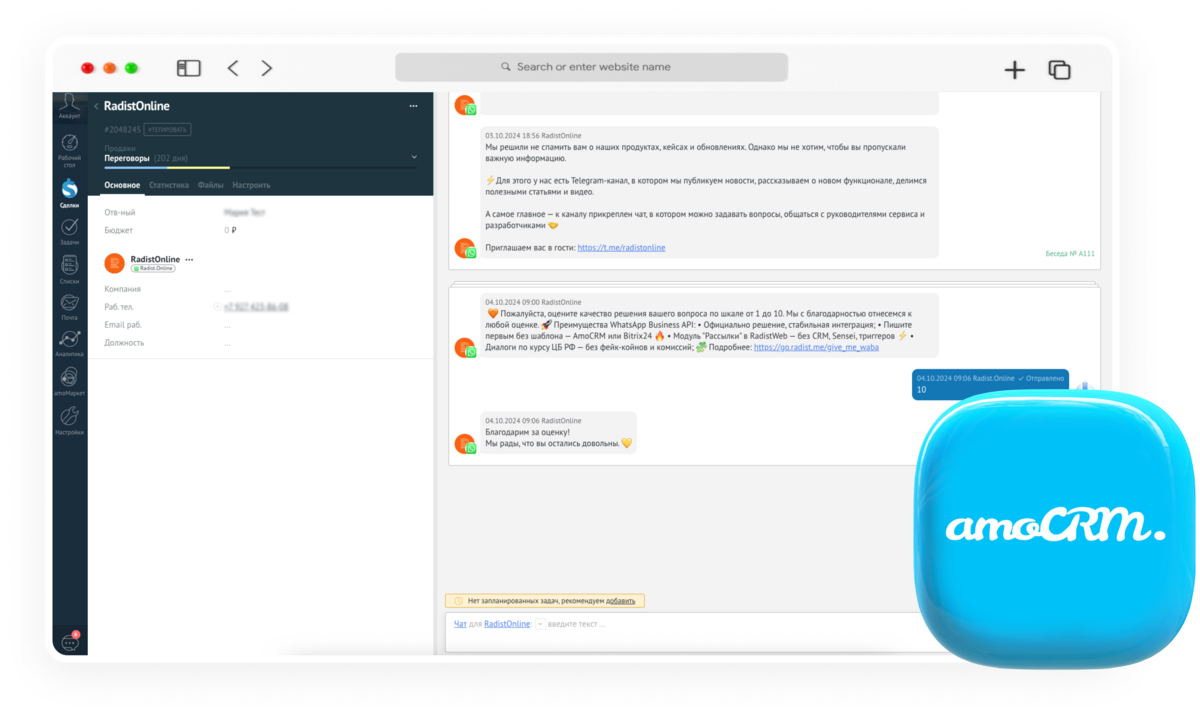
1. WABA + Kommo integration
The Kommo integration is a tight pair that provides:
- Incoming and outgoing messages are shown right inside the deal card;
- Metrics are calculated;
- Auto-replies, bots and broadcasts are triggered;
- Statuses and actions stay in sync.
Fits those who take sales seriously: control, automation and efficiency all in one place.
2. WABA + Bitrix24 integration
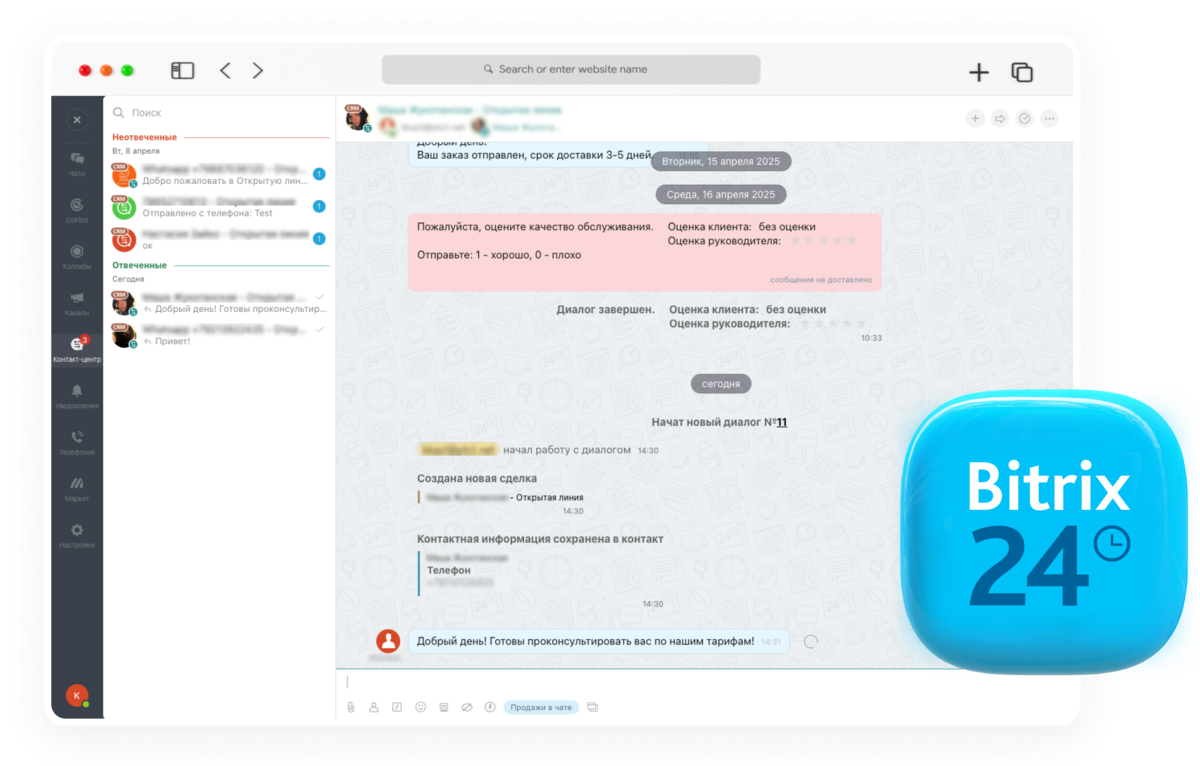
A reliable tandem with the same feature set:
- Open Channels support;
- Fast routing of dialogs to reps;
- Template-based messaging;
- Chat history storage.
Fits companies that use Bitrix24 actively as a single point of customer-experience management.
3. WABA without a CRM: via RadistWeb
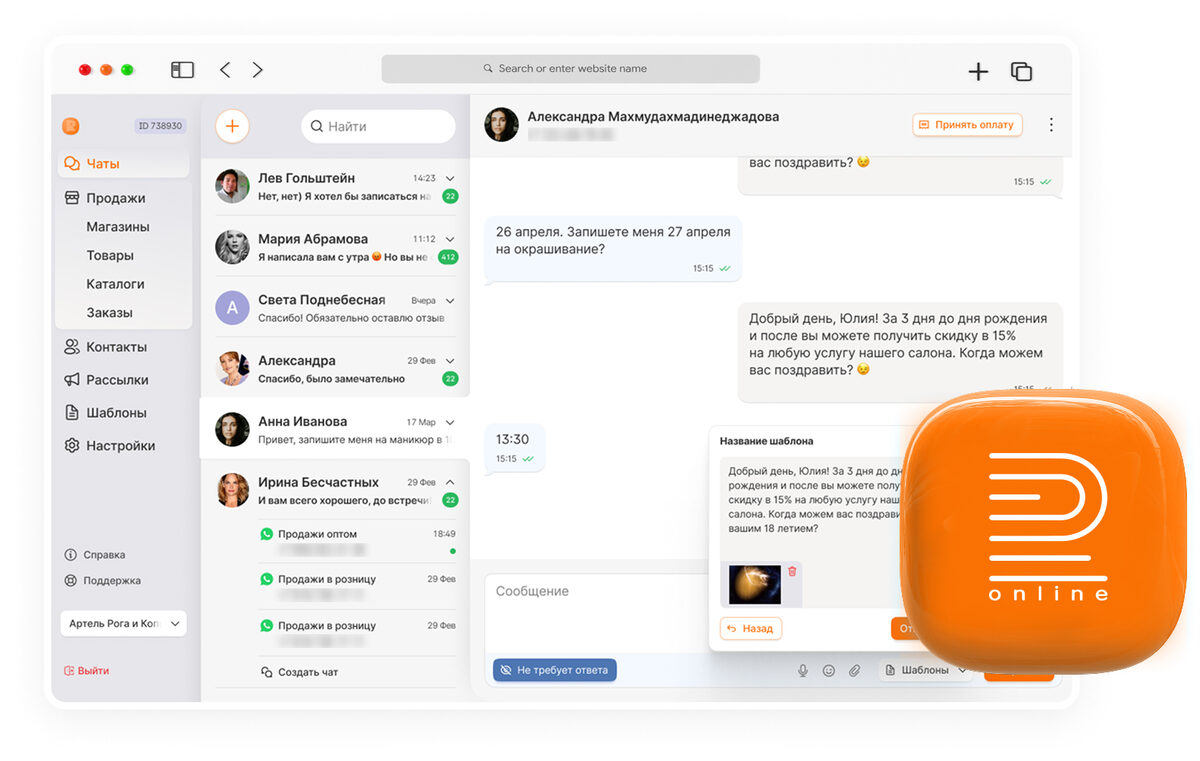
If you’re only piloting WABA or don’t want to dive into complex CRM settings — use the RadistWeb account:
- Connect one or several numbers;
- Talk to customers from WhatsApp, Telegram and more — in one window;
- Send templates, files, payment links;
- Create broadcasts and add team members.
The RadistWeb account is like a compact CRM for those who value simplicity and a fast launch.
How to connect WABA in Bitrix24: step-by-step
Using Bitrix24? Here’s how to set up the integration step by step:
Step 1. Go to your RadistWeb account, section «Integrations».
Step 2. In the «Available» list find «WABA + Bitrix24» and follow the instructions:
- pick the country of your domain;
- click «Install in Bitrix24 marketplace»;
- accept the terms and finish the install.
Step 3. Return to RadistWeb and paste the link to your Bitrix24.
Step 4. After the page reloads click «Add phone number» — select the number you connected earlier.
Step 5. Configure the integration: you can rename it, add numbers, manage the connection status.
Done! WhatsApp messages now land in Bitrix24 and appear in RadistWeb. One process — two interfaces.
How to connect WABA in Kommo: step-by-step
If you work in Kommo, connection takes only a couple of minutes:
Step 1. Open RadistWeb, go to «Integrations».
Step 2. Find «WABA + Kommo» and click «Install».
Step 3. In the pop-up authorise in your Kommo and confirm access.
Step 4. After successful authorisation you’ll see the settings screen:
- choose the account and the phone number;
- configure message display, chat and notification sync.
Step 5. Save the settings — WhatsApp Business API messages will show up in the Kommo deal card, and also in the RadistWeb chat.
Here you can additionally set up quick-reply templates, auto-replies and chat linking to the sales pipeline.
Wrap-up
Integrating WABA with a CRM is the way to make your sales team faster, customer communication more convenient and the business more profitable. At Radist.Online we help build a system where messengers work for results. Pick the scenario, connect and start talking to customers where it’s convenient for them — and profitable for you.